


Collect
Collect new orders automatically from a connected order mailbox. Email and PDF files can also be imported when needed.
Sales order automation for B2B
FRB Collect provides order processing software for wholesalers and other B2B businesses. It structures product orders from email and PDF, matches line items against your product catalogue and makes exceptions easier to review before export.
Illustration using sample data. No customer data is shown.
Built for businesses that still receive orders by email.
Less manual work
When orders arrive in different emails and documents, time goes into finding, interpreting and entering the details. FRB brings this into one controlled process designed to reduce manual order entry.
The system suggests; a person decides. Every order must be approved before it moves on.
How FRB Collect works
A controlled workflow for orders currently handled by hand.
Collect new orders automatically from a connected order mailbox. Email and PDF files can also be imported when needed.
View the original alongside the order draft. Check the customer, products, quantities and alerts.
Approved orders can be downloaded as CSV, Excel or FRB XML for further processing. Import into your existing system must be agreed and checked.
FRB does not send orders directly to an ERP or accounting system. Gmail collection is enabled by agreement, and Google verification is addressed before regular customer onboarding. Read how controlled order automation works.
Clearly defined scope
Maximum file size is 10 MB. PDF reading is limited to 100 pages, including up to 20 scanned pages within the time limit. Check OCR product codes and quantities against the original. Support for your actual documents is assessed during the pilot.
Security and responsibility
Customer accounts are separated. The operations panel shows technical status without other companies’ order contents or product lists.
The portal uses HTTPS. Stored source text and email access are encrypted by the application. Portal passwords are stored as one-way password hashes. IMAP credentials are stored encrypted for automatic collection.
FRB can read from the inbox or a selected folder or label, and does not send, change or delete email. Gmail and Microsoft use provider authorisation; supported IMAP providers use encrypted stored credentials. Prefer a dedicated order mailbox.
The service runs on Railway, with web, worker and database services in Amsterdam. The pilot uses your company’s real orders. A data processing agreement, subprocessors, retention, deletion and support are agreed before the pilot starts.
A limited pilot
We start with an agreed set of documents and assess handling, corrections and export quality together.
Ask about a pilot Please do not send customer documents in your first email.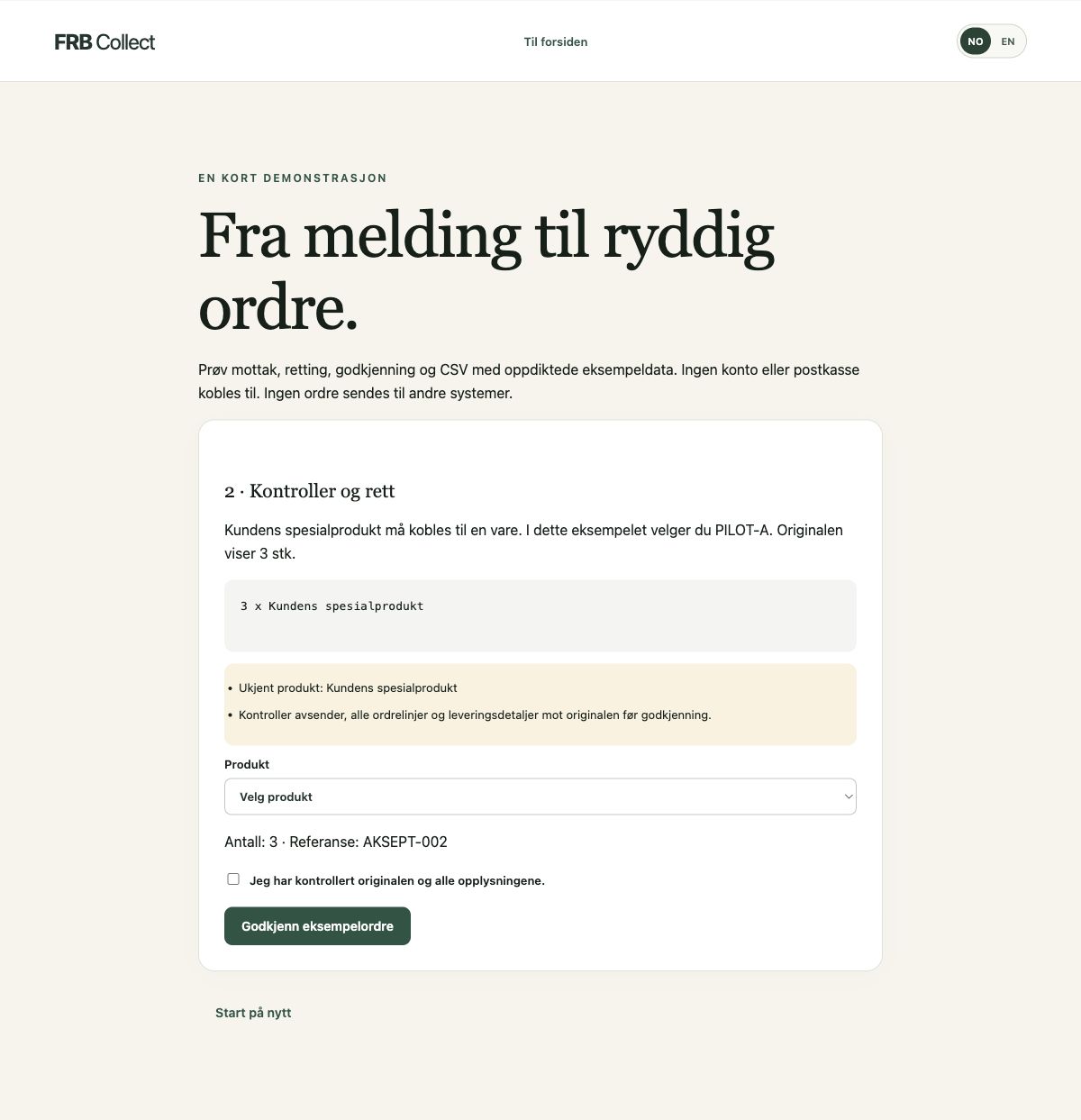
For pilot companies
Sign in with the account to which you were invited.
Secure sign-in
Insights – learn about FRB Collect
Need help? Email support@frbcollect.com.
Getting started
Enter your details, upload your product list and confirm at the bottom. You can change this information later.
One thing at a time
From inbox to insight
Orders received per day · Norwegian time
Select a point on the chart for details.
| Date | Received | Approved |
|---|
Top products
Quantities in approved orders. Arrows show changes in rank since the previous period.
Your workday in one place
Saved views are personal. They contain your filters, not copies of orders.
XML: one order per import file. Download XML example · View XML preview · View supported XML structure. Other XML structures must be agreed before use. No direct ERP or Peppol delivery.
Only approved orders can be exported. Download one file per transfer; repeated exports contain the same order IDs.
Choose column names and order to match your receiving system. Check a sample file first. Excel opens with a grouped order overview; the column settings apply to CSV and the Excel “Ordre” import sheet. Separators and decimal marks apply to CSV; Excel quantities are numeric. XML uses a fixed FRB v1 structure with one section per order, independent of column settings.
The file contains the orders selected when you prepared it. Preparing another file replaces this one. FRB does not send orders directly to other systems.
| Reference / subject | Customer | Status | Received | Export / import |
|---|
Teach the system your products
For example “large boxes” → BOX-L. Use customer email for names that apply to one customer only.
UTF-8 CSV with commas, semicolons or tabs. Choose the SKU and product name columns. GTIN, unit and pack size are optional. Existing SKUs are updated. Maximum 2,000 rows.
Confirmed layouts apply only to this company and sender. New column names or a changed order will trigger a warning.
Product changes and deleted name mappings can be restored for seven days. Newer changes and existing mappings are not overwritten. Earlier orders remain.
Incoming orders, automatically
Connect email once and choose “Read directly from the inbox”. FRB finds possible orders without labels, folders or mail rules. Ordinary email is skipped. Uncertain orders go to review. Sorting supports Norwegian and English and can make mistakes; originals remain in your mailbox.
When you choose direct inbox reading, synchronisation is limited to the inbox. Advanced setup can still use a dedicated order folder. We do not send, modify or delete emails. Google and Microsoft use provider authorisation. IMAP uses an encrypted connection and credentials stored encrypted by FRB. Prefer a dedicated order mailbox: technically, an IMAP password may grant broader access than FRB uses.
Read how FRB Collect uses, stores and deletes email data before connecting.
Namecheap, Domeneshop, one.com and servers approved by FRB. Port 993 with verified TLS is used automatically. Connect Microsoft 365 and Gmail using the buttons above.
Connecting does not start collection until you select a folder and press Start. If your provider is missing, contact support so we can review the server.
Keep work under control
All orders still need review. These figures show activity in FRB and do not replace checking the original or the receiving system.
This is an adjustable estimate, not a measured time saving. You must assess time spent reviewing and correcting orders.
FRB Collect · technical operations