


How FRB works
See an order from message to CSV
This example uses only fictional data from FRB’s test fixtures. Its content and export are checked against the same parser and export code used by the product. The interactive demonstration does not save any orders.
1. The order arrives
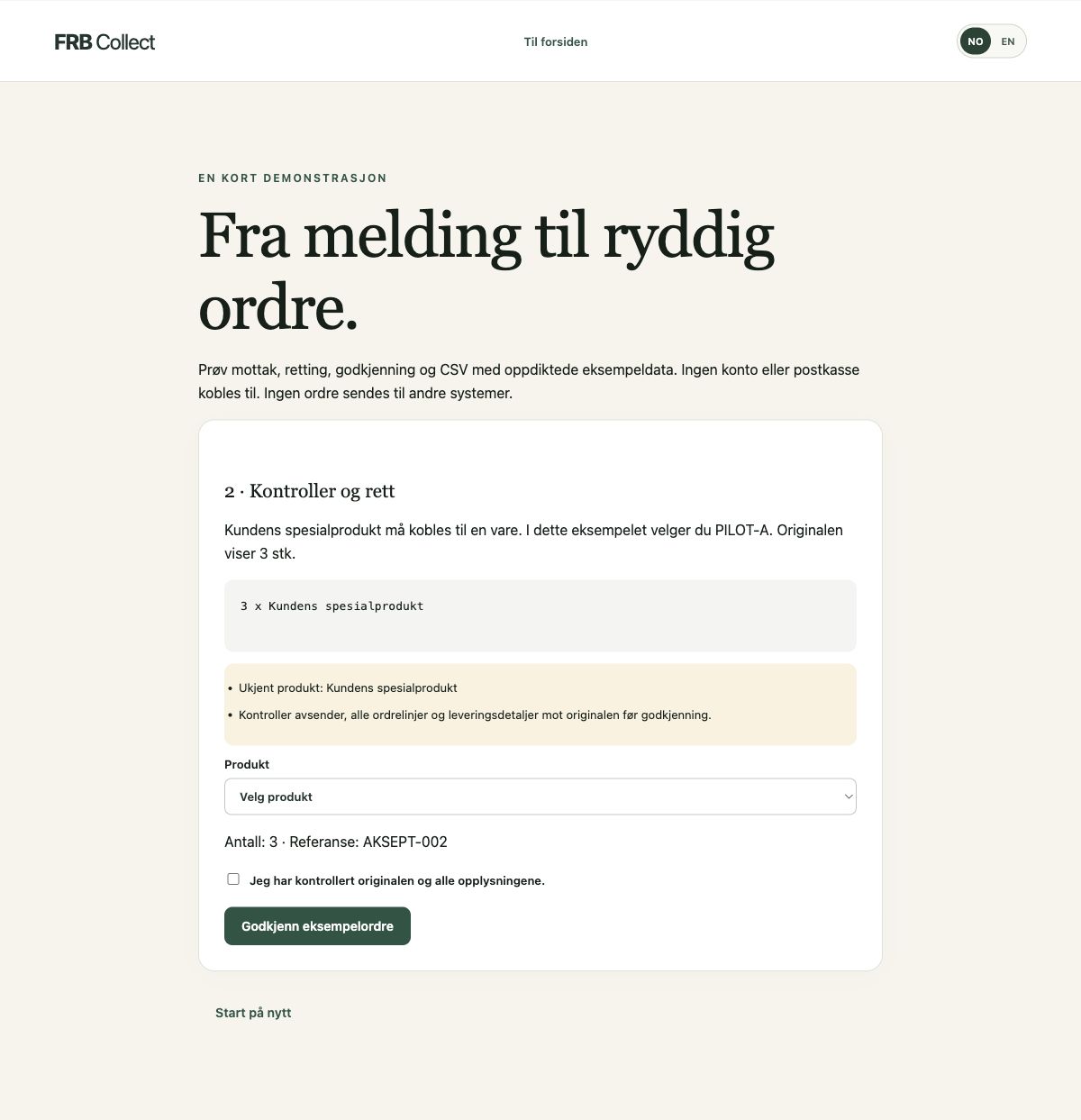
The sender orders three of “Kundens spesialprodukt”, with reference AKSEPT-002. The quantity is clear, but the product name is not in the example catalogue.
2. The unknown item becomes a visible exception
FRB finds the quantity 3 and the order reference, but leaves the product match unresolved. A warning says the product is unknown. This is intentional: a clear quantity does not mean the product selection is also certain.
3. A staff member reviews and approves
In this fictional example, the correct item is PILOT-A, Pilotprodukt A. The staff member checks the original, selects the product and confirms the review. The real portal records the approval; the demonstration only shows the flow.
4. A CSV file is prepared
The result contains PILOT-A with quantity 3. A downloaded file is not the same as a completed ERP import. The subsequent import must be checked in the destination system.
Original text and standard export
3 x Kundens spesialprodukt
ordre_id;referanse;kunde_epost;varenummer;produkt;antall;godkjent_utc
DEMO-AKSEPT-002;AKSEPT-002;syntetisk-kunde@example.invalid;PILOT-A;Pilotprodukt A;3;2026-09-26T12:00:00+00:00
Try the demonstration yourself
Could this fit your orders?
Ask about a limited pilot. We agree on documents, the product catalogue and export before getting started.
Contact us about a pilot